Fewer no-shows. No chasing.
Driago reminds learners about their lessons, tests and theory classes, so you don't have to. And when you have something to say, you write it in the same place.
- SMS, email and notifications in Driago
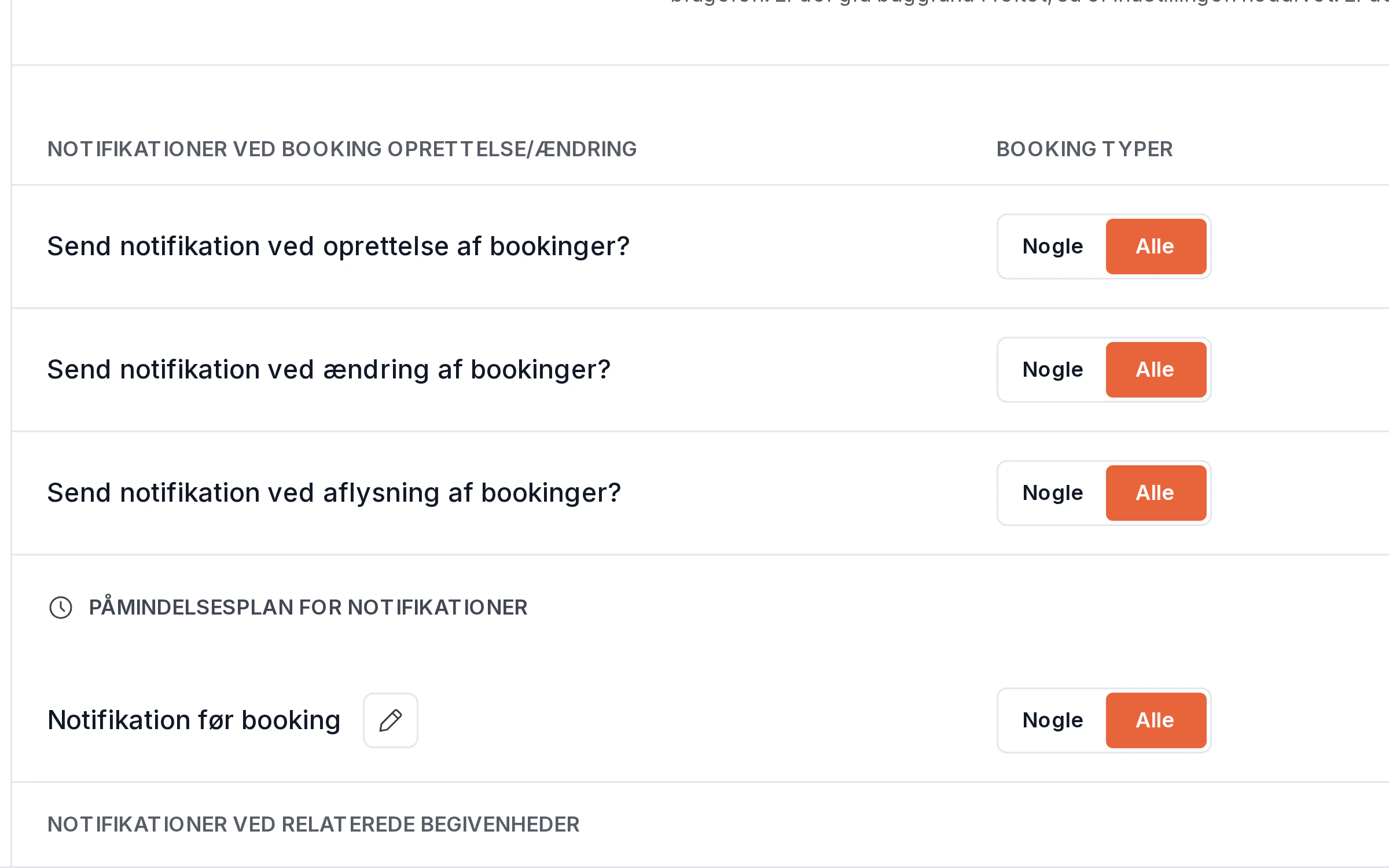
- Sent when a booking is made, moved or cancelled
- Your own SMS and email templates
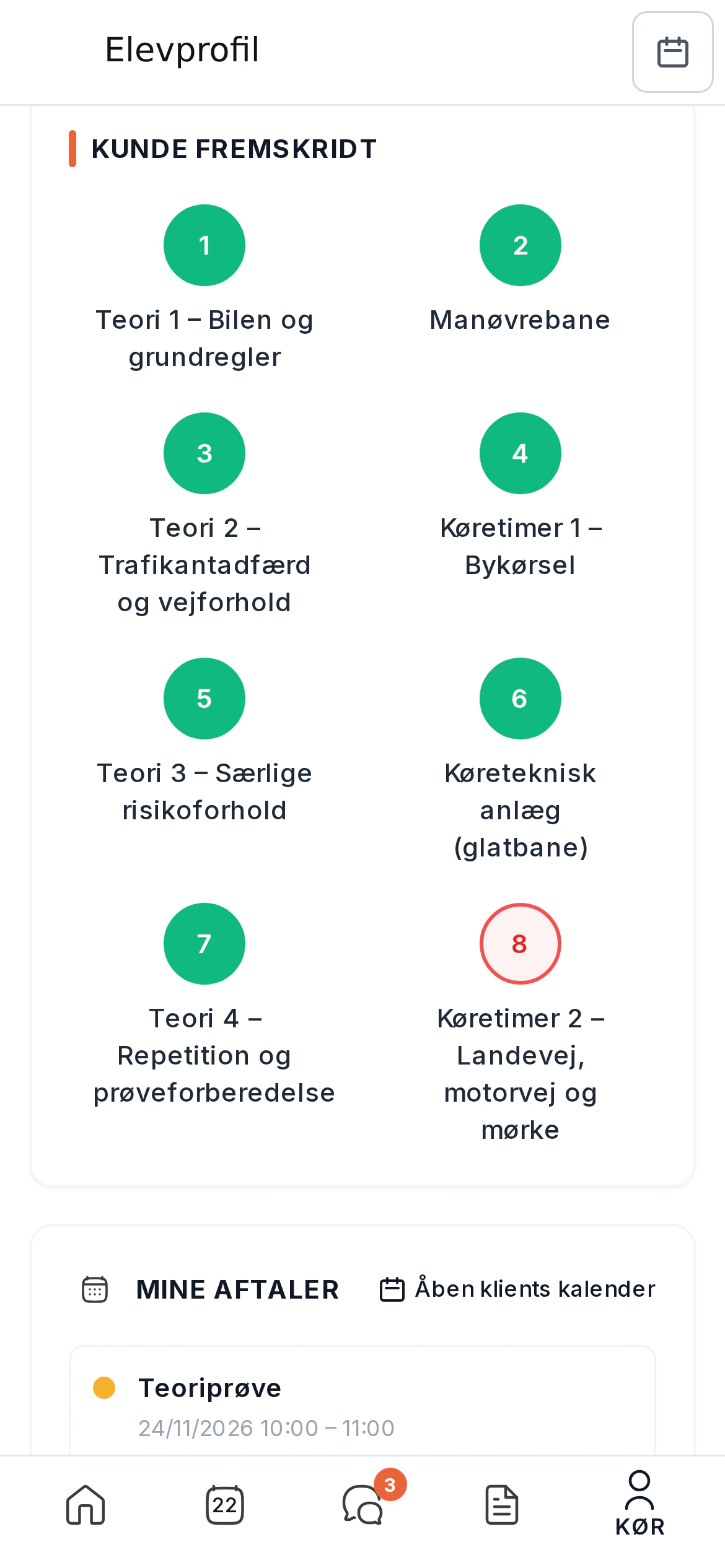
When a reminder goes out
You choose which ones are on, and whether they go by SMS, email or both.
New booking
The learner gets the time, place and type straight away.
Moved or cancelled
A change is never just a note in your own calendar.
Before the appointment
A reminder ahead of each lesson, theory class and test.
Module signed
The learner sees that a module in the lesson plan has been signed.
Open slot taken
The instructor hears when a learner books an open slot.
You decide what goes out, and how
Turn each reminder on or off, pick SMS, email or both, and write the text in your own words.
- SMS and email templates
- On or off for each reminder
- A log of what was sent
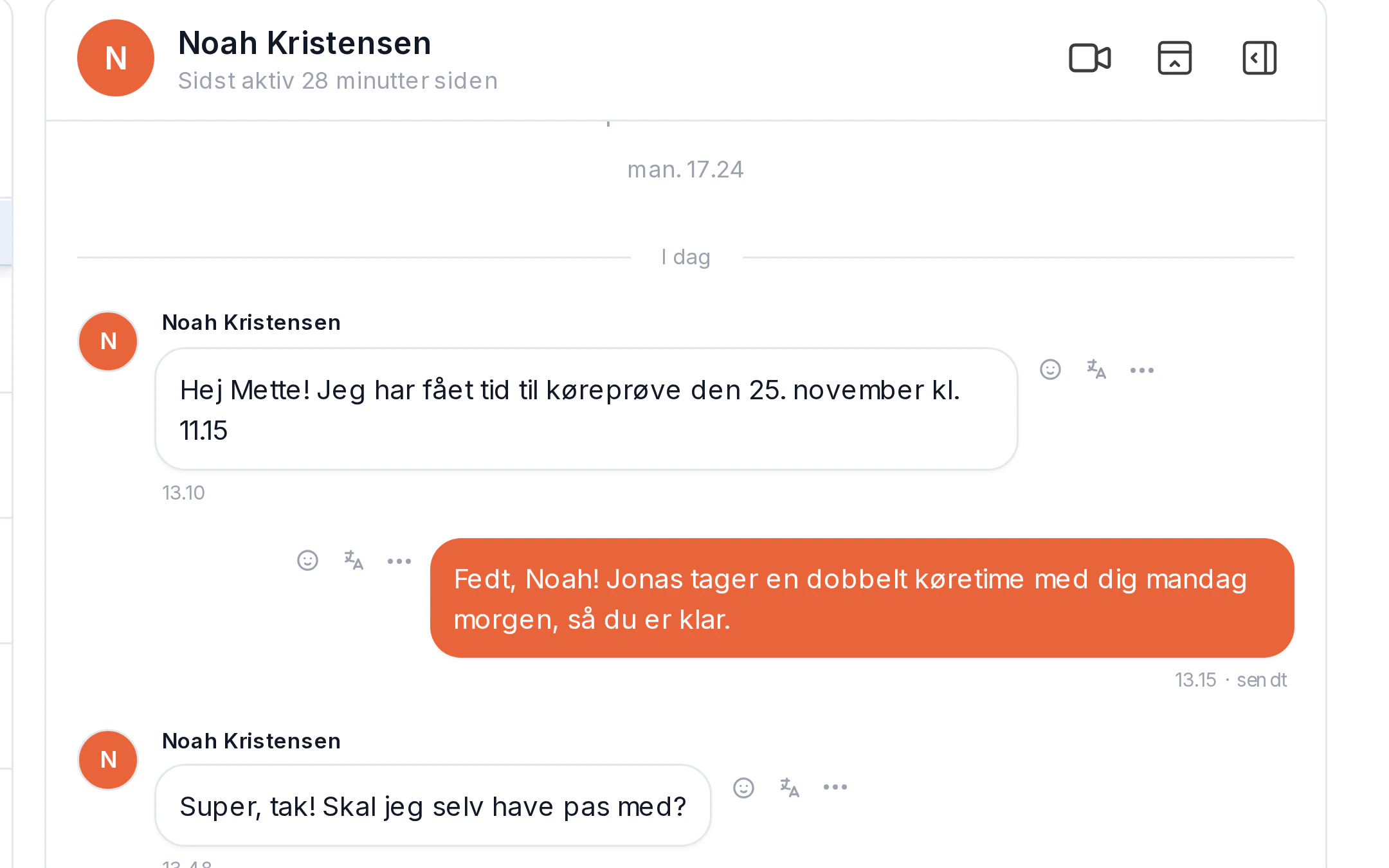
Write to one learner or the whole class
Send a message about a change, a reminder about papers for the test or a note to a class. The conversation stays with the school, not on your private phone.
- Messages and chat in one inbox
- Send to a whole class in one go
- Templates for the messages you send often
Questions about reminders
What does an SMS cost?
SMS reminders are optional and priced separately. Ask us, and we tell you the price for your school.
Can I change the wording?
Yes. Every SMS and email template can be edited, so the reminders sound like your school.
Stop chasing learners
Book a free demo, and we set up your reminders with you.