From first sign-up to driving test
Follow a learner through the course and see what Driago does at each step, for you, your instructors and the learner.
- The school plans and keeps track
- Instructors book and sign from their phone
- Learners book, sign and get reminded
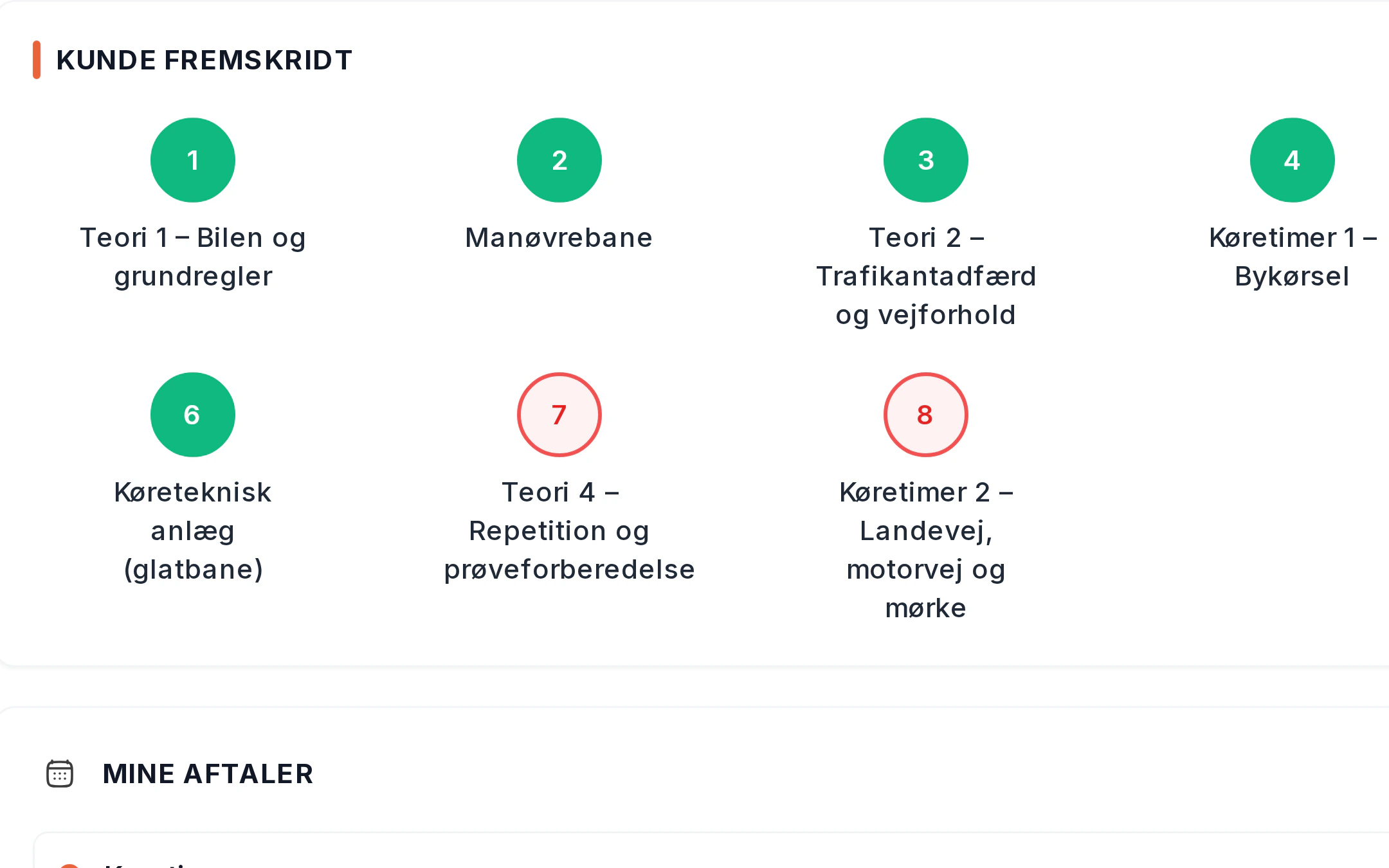
Seven steps, one system
What happens from the day a learner finds you to the day of the test.
- Learner
Finds your school online
On your website or on Driago's school search, with your packages and start dates.
- Learner
Signs up for a theory class
The sign-up form shows your classes and start dates. You approve the learner.
- School
The learner is in the system
Details typed once, by the learner. No re-entering in the office.
- Instructor
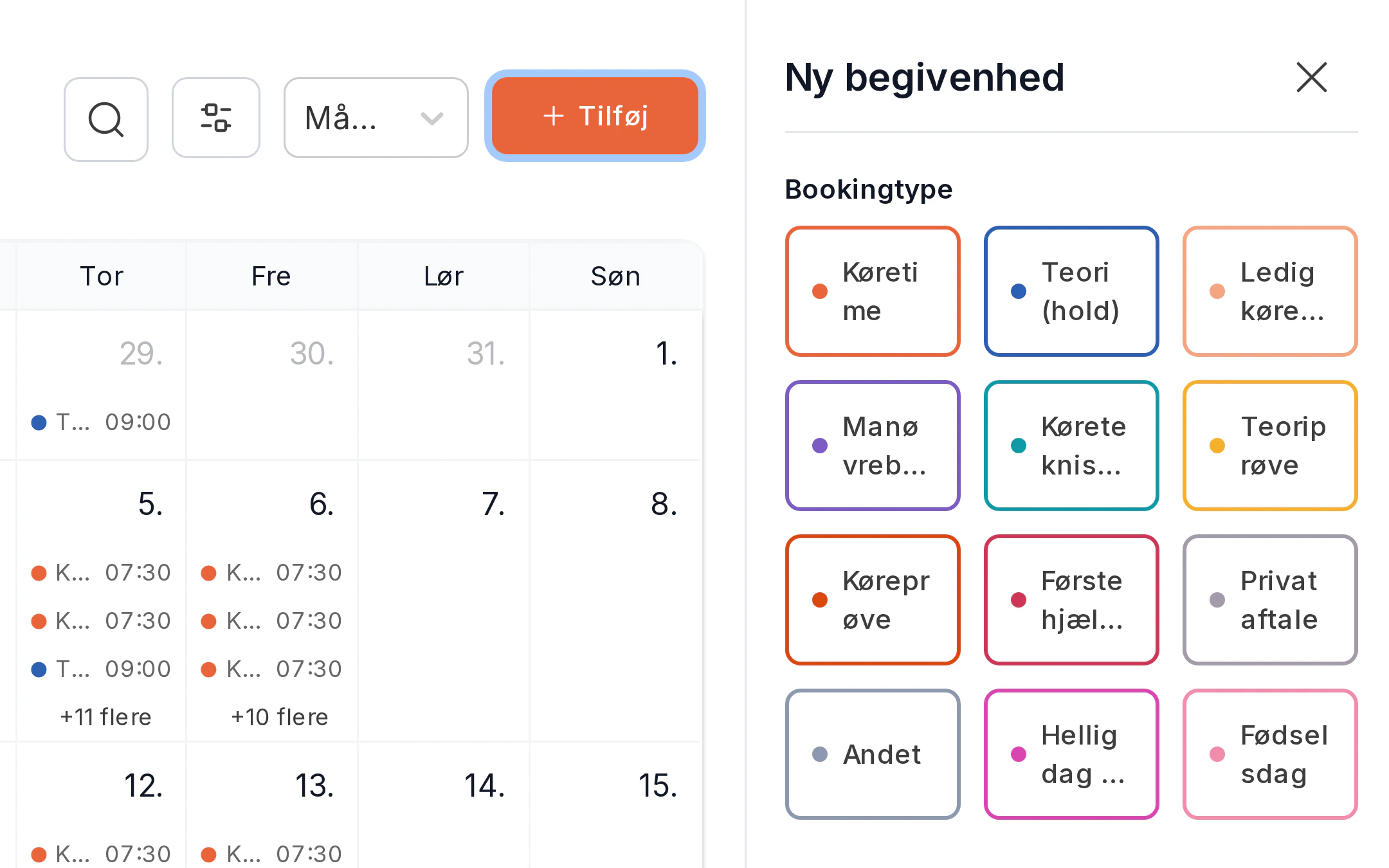
Books lessons and theory
Fixed times, open slots or a repeating theory class. Each kind has its own booking type.
- Instructor
Signs the lesson plan
The booking carries its modules, so signing takes a tap after the lesson. The whole class at once.
- Learner
Gets reminded
SMS and email when a booking is made, moved or cancelled, and before the appointment.
- School
Ready for the test
Theory test and driving test are booked like any other appointment, with the signed lesson plan at hand.
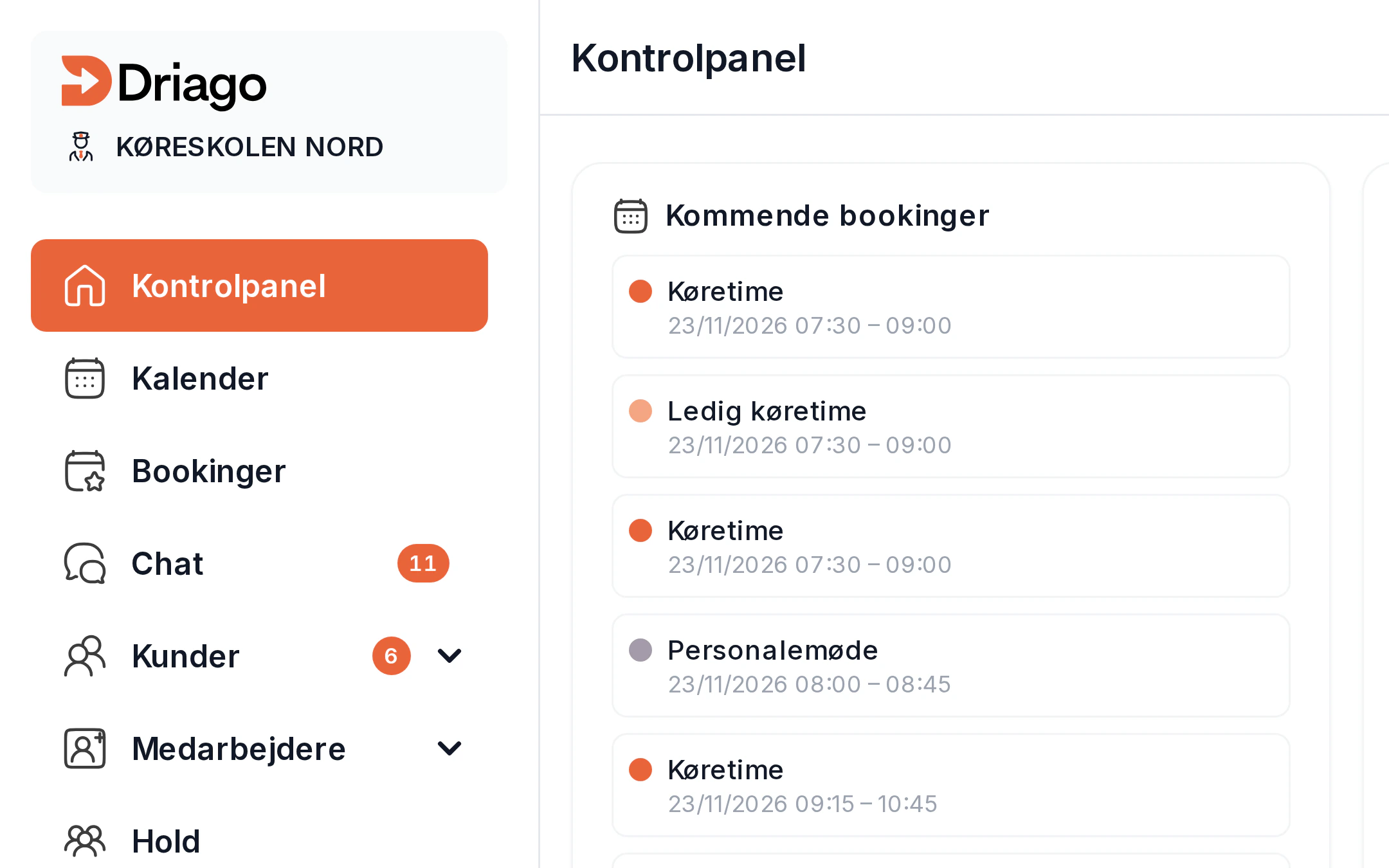
The whole school on one screen
See every instructor's calendar, every class and every learner's progress. Spot who is falling behind before it becomes a problem.
- Calendars for the school and each instructor
- Invoices and payments next to the bookings
- Reports on lessons and revenue
Book the next lesson from the car
Instructors run their day from their phone. Book, move and sign without going back to the office.
- Their own calendar with every booking
- Lesson modules attached to the booking
- Sign for one learner or the whole class
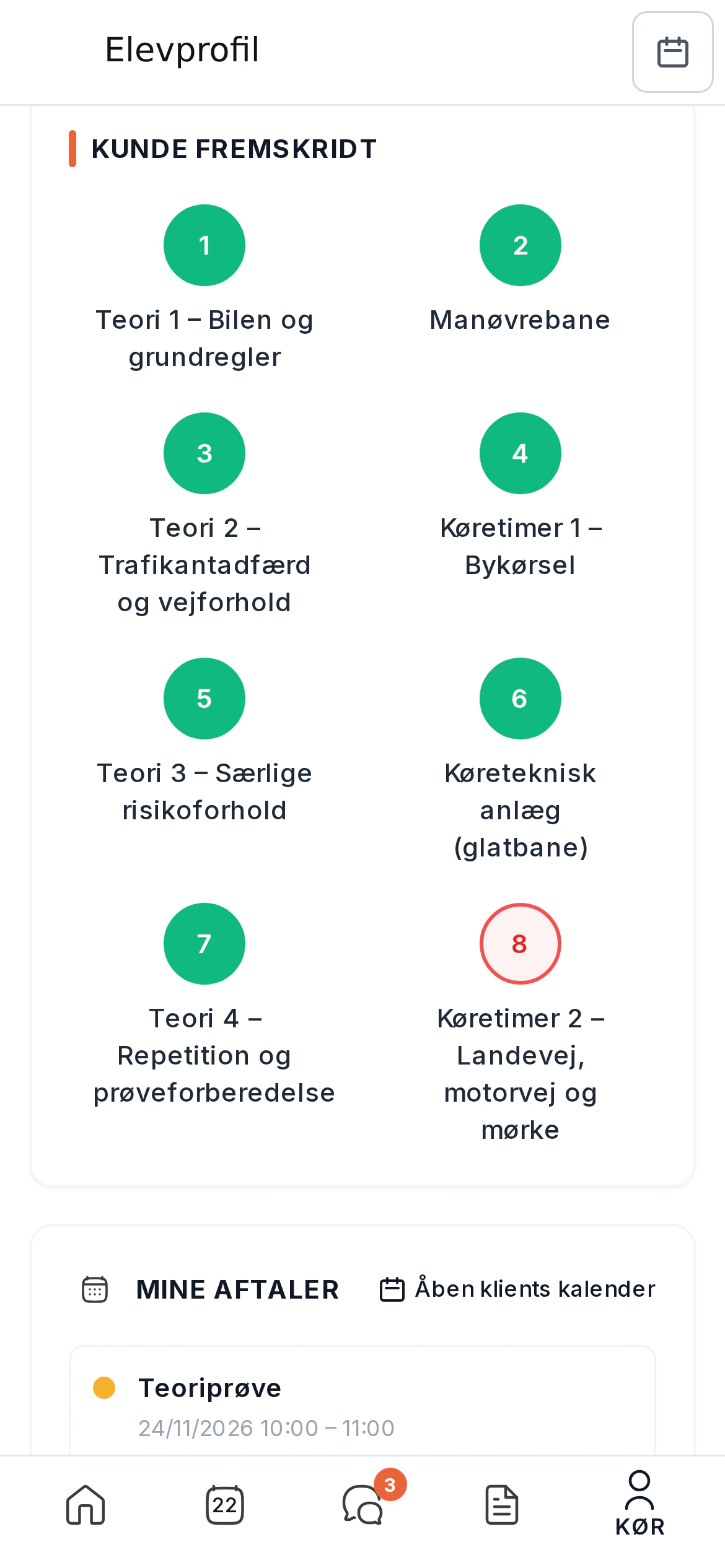
The whole course in their pocket
Learners see their bookings, book open slots and follow their lesson plan on their phone. Fewer calls asking when the next lesson is.
- Books open slots, day and night
- Sees which modules are signed
- Signs lessons from a link on the phone
See Driago with your own school in mind
Book a free demo. We go through your week, your booking types and your lesson plan, and set it up with you.